Fridgr Dinner ideas from what you have
Dinner out of what is already there
It is five o'clock. Nobody has given dinner a thought, and the fridge looks the way it usually looks. Fridgr sees what you have. It suggests dishes you can make tonight, without a trip to the store.
What Fridgr really is
The answer to one question: what do we cook tonight, out of what we have? You photograph the fridge, or let Fridgr read the pantry from Pantr. What comes back are dishes you can actually go through with. The alternative is ordering in while the food you already paid for goes past its date.
Fridgr is not a recipe app with a thousand dishes you never cook. It only suggests what you have the ingredients for.
See it in action
How it works
See what you have
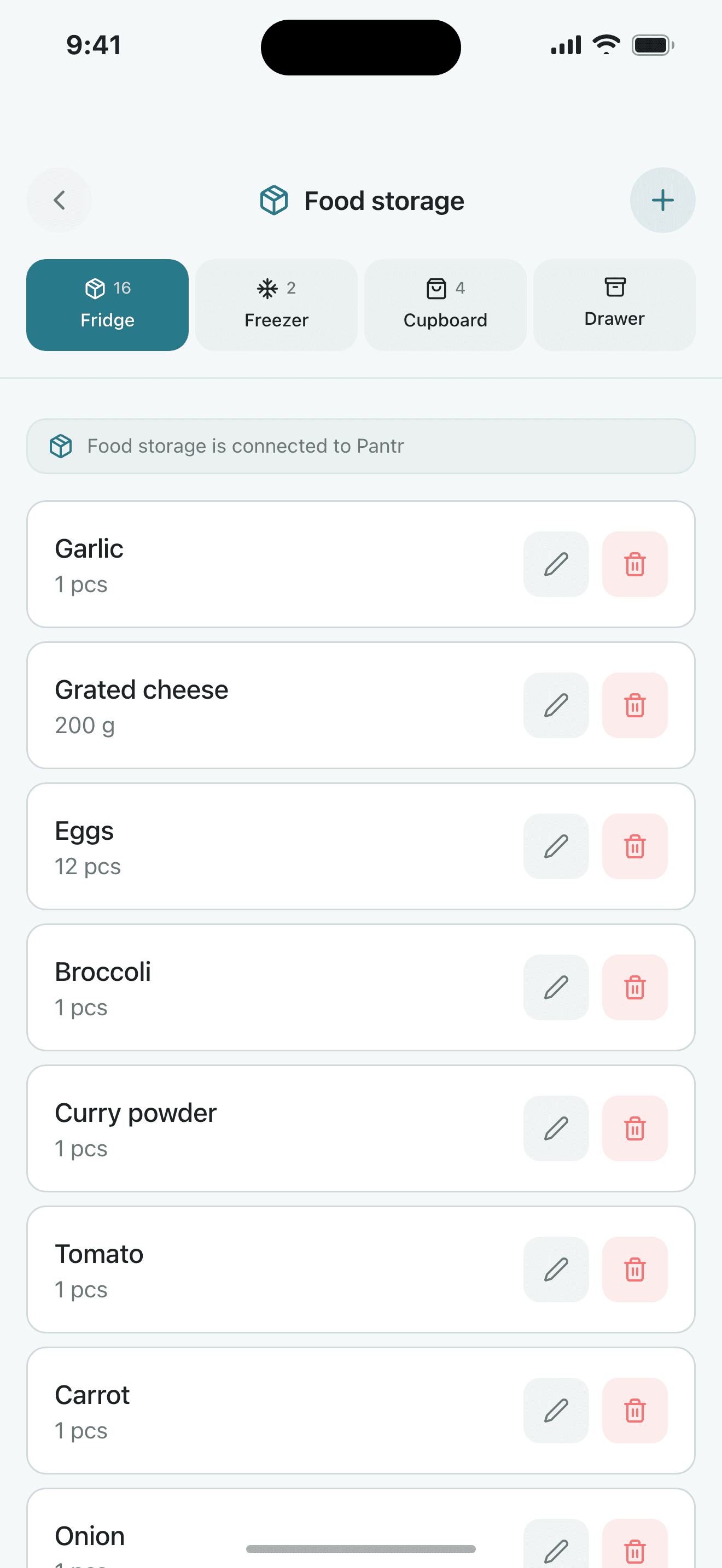
Photograph the fridge and the ingredients are read in within seconds. If you have Pantr, Fridgr fetches the pantry itself.
Get suggestions that fit
Dishes built on what is at home. Adjusted for the diets and allergies you entered.
Cook, and update the pantry
Follow the recipe. When you are done, the items you used are marked in Pantr with one tap.
What you get
- The food you bought gets eaten
- Matvett's estimate for a Norwegian family of four is around $1,000 of food binned a year. Fridgr suggests dinners out of what is already in the fridge. More ends up on the plate, less in the bin.
- Skip the five o'clock question
- The suggestions are waiting when you open the app. You pick between them instead of inventing something from scratch.
- Shop less
- Use up what is there before you buy more. Whatever a dish is missing you send straight to the Listr shopping list.
- The freezer counts too
- The freezer is included when the suggestions are made. Dishes that need thawing are flagged.
Fridgr works best together with
Fridgr sits in the middle of the food flow: Pantr tells it what you have, Fridgr suggests dinner, and whatever is missing goes on to Listr.
Scenario
Tuesday, no plan
You get home without having thought about dinner.
- You open Fridgr as you put your bag down.
- The pantry from Pantr is already loaded.
- You get three suggestions built on what is at home.
- You pick one. The recipe shows the steps and the ingredients.
- Afterwards you tap 'Made this', and Pantr updates while you clear up.
Pricing
The package Fridgr is in
Organr Plus
- Week
- $3.90$202.80 a year
- Month
- $13.90$166.80 a year
- Year
- about$11.58/mo$139.00 charged once a year, and that works out cheapest over a year.
- 7 days free, nothing is charged automatically
- Room for six members on one subscription
- Paid for and cancelled in the App Store
Questions about Fridgr
Do I have to type in everything in the fridge?
No. You take photos with the camera. Fridgr recognises the ingredients and suggests meals from them. You can correct the list before it is used.
Does it take allergies into account?
Yes. You state your allergies and diets. Suggestions that break them are filtered out before you see them.
Which package includes Fridgr?
Fridgr is part of Organr Plus. The modules are not sold separately. The price is the same whether you use one of them or all of them. The package costs $3.90 a week or $13.90 a month for the whole household. You try everything free for 7 days first, and cancel in the App Store whenever you want.
Does everyone in the family need their own account?
No. One adult sets up the household with their email address. Everyone else is added as a member. They sign in by tapping their name and entering a code, so children need neither email nor password. The household has room for 6 members. The price is the same whether there are two of you or 6.
How do we install Organr?
You download it from the App Store. It is one app with every module inside it, so there is nothing else to install.
Read more
- The Complete Guide to Organizing Your Family's Schedule in 2026What you know about your family sits in five places that never talk to each other. Five steps to pull it together: calendar, chores, list, dinners, Sunday.9 min read
- Family Meal Planning for Beginners: A Week-by-Week GuideIt does not have to mean batch-cooking Sundays and colour-coded spreadsheets. A week-by-week guide that starts with three dinners and ends the 5:30 panic.7 min read
- 5 Tips to Organize Your Family's Daily LifeActivities and housework usually end up inside one person's head. Five moves that get them out of there and into something the whole family can see.4 min read